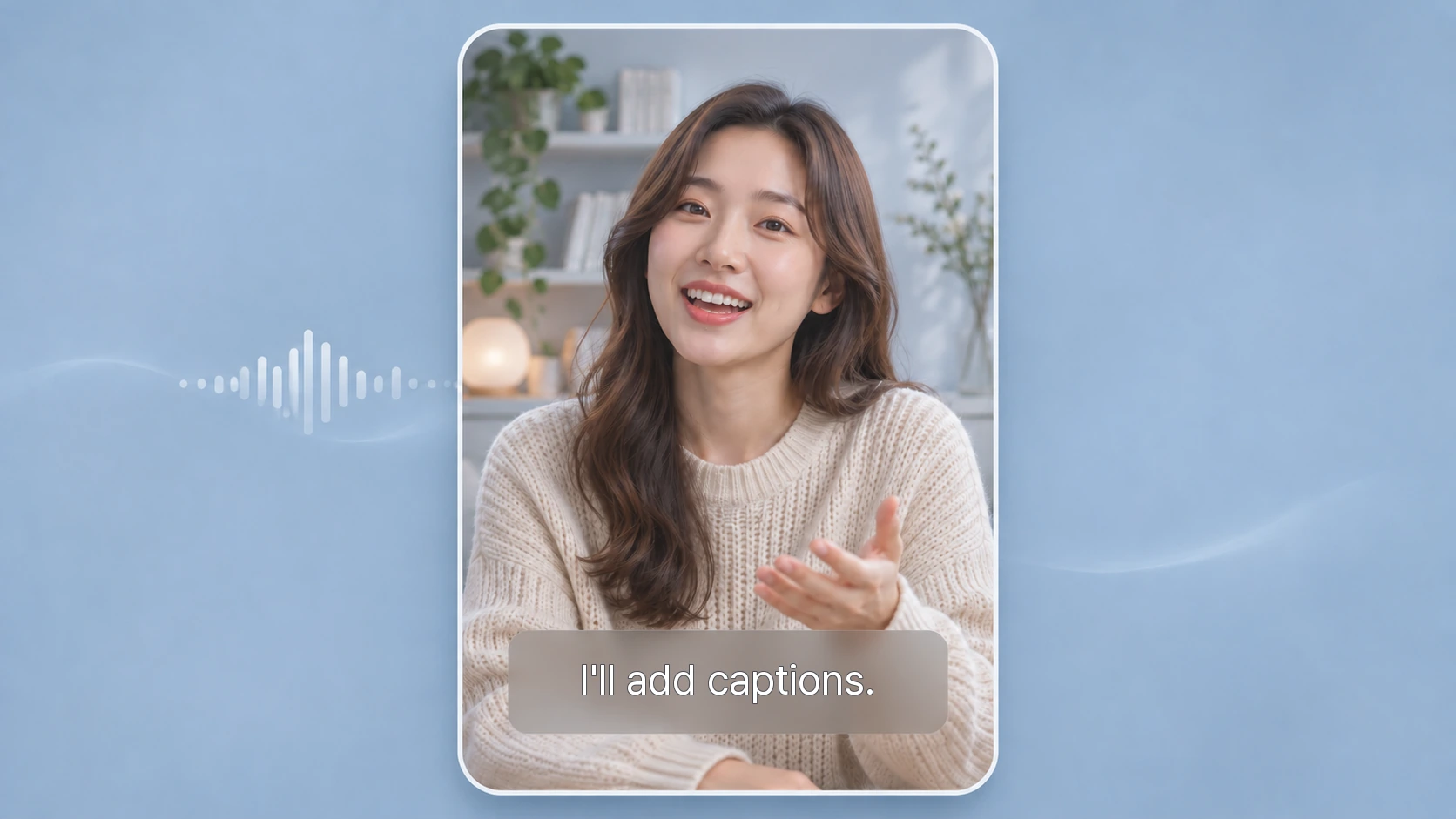
Captions improve watch time on TikTok, Reels, and YouTube Shorts, especially when viewers watch with the sound off. With modern AI video editors, adding auto captions on your iPhone is fast and beginner-friendly.
This quick guide shows you how to do it in minutes with VDIT.
How to Add AI Auto Captions with VDIT
VDIT is a lightweight, accurate AI auto caption tool designed for fast iPhone video editing. You can generate clean captions in a few simple steps:
1. Open VDIT and tap the [Captions] menu.

2.Adjust the font, color, size, and position.

3. Export in high quality and share wherever you like! 🎉
VDIT prioritizes speed and smooth operation, making it perfect for creators who want to finish their work quickly without complex menus.
Benefits of using AI automatic subtitles
- Makes content easier to understand even without audio.
- Makes it easier to be found on short video platforms.
- Saves more time than manual input.
- Convenient for vlogs, tutorials, talking head videos, and social media content.
- Easier to use than traditional transcription tools.
With VDIT, you can quickly and accurately add AI subtitles while freely adjusting the style.
Download it now and make your videos even more appealing.
🚀 Download VDIT here! 🚀