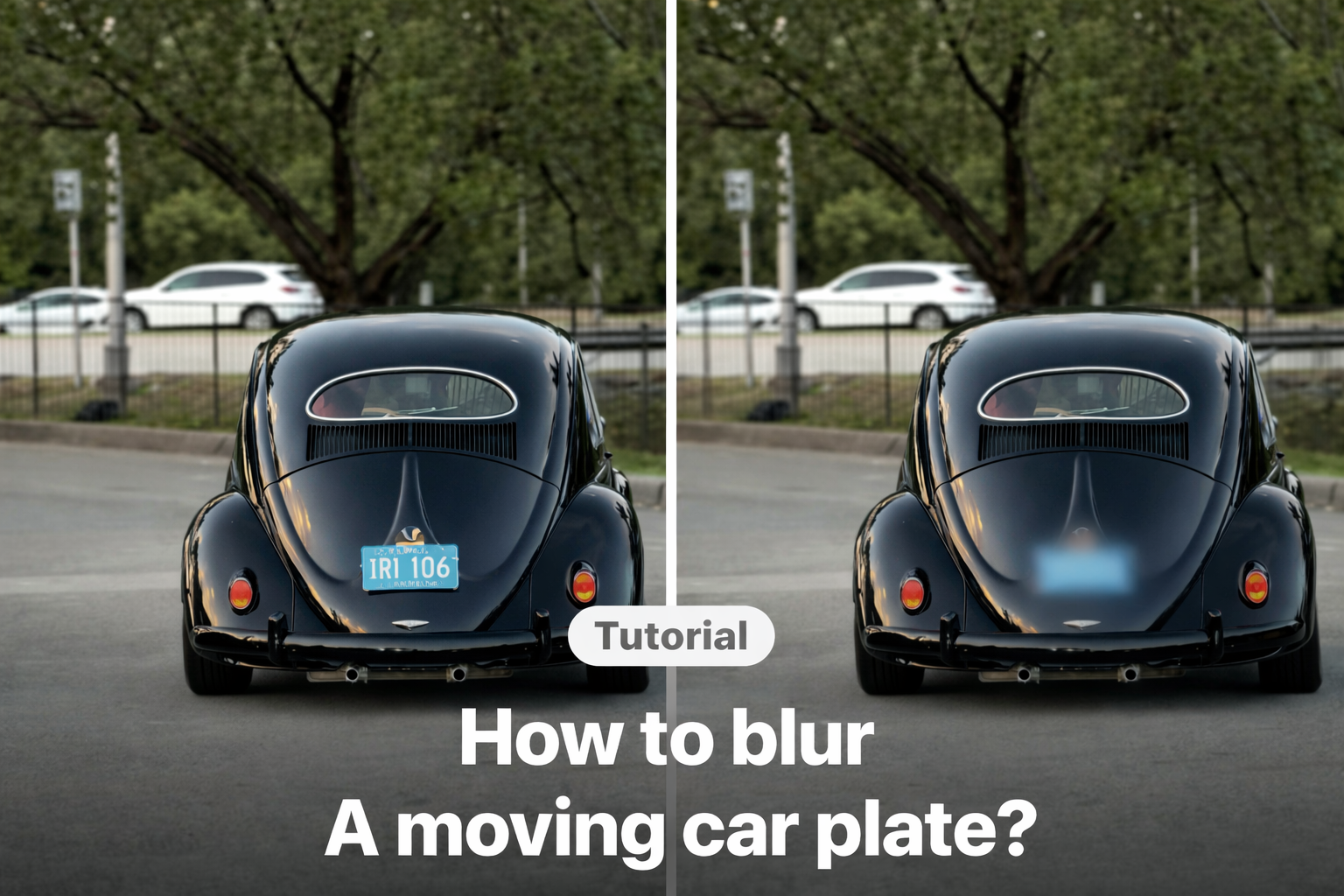
How to Blur a License Plate in Video on iPhone
Need to blur a number plate in a video before posting it online? Whether the plate appears in dashcam footage, a street vlog, or a Reel, leaving it visible can create privacy concerns.
On iPhone, you can blur a license or number plate directly in VDIT—even when the car is moving. This guide shows the quickest step-by-step method to add mosaic, position it accurately, feather the edges, and check every frame before export.

How to Blur a License Plate in a Video (Step-by-Step)
The basic idea is simple:
- Add mosaic.
- Adjust & Position it.
- Use Feather to make blur seamlessly.
- All Done!
If the object moves, the blur must follow it. Otherwise, the license plate may briefly appear. Editing on mobile makes this faster, especially when you want to upload quickly.
You can do this directly on your phone using VDIT. It allows you to apply blur effects precisely on your timeline before exporting your final video.
If you prefer following along visually, this video will guide you step by step.
Tips for Clean and Natural Results
Blurring should look intentional, not distracting.
Keep these tips in mind:
- Make the blur area slightly larger than the plate
- Check every second if the object moves
- Avoid sharp edges if possible
- Always preview the final export
A small mistake can reveal information for just one frame. Take a moment to double-check.
If you often post driving clips or street content, editing directly on your iPhone saves time. You can try VDIT video editor for iPhone and adjust privacy details before sharing your video publicly.
Privacy Is Part of Good Editing
Good editing is not only about transitions and music. It is also about responsibility. Blurring a license plate takes only a few minutes. But it protects you and others from unnecessary risk.
Before you post your next driving clip or street vlog, make sure sensitive details stay private. That small blur can make a big difference.🪄





Leave a Reply