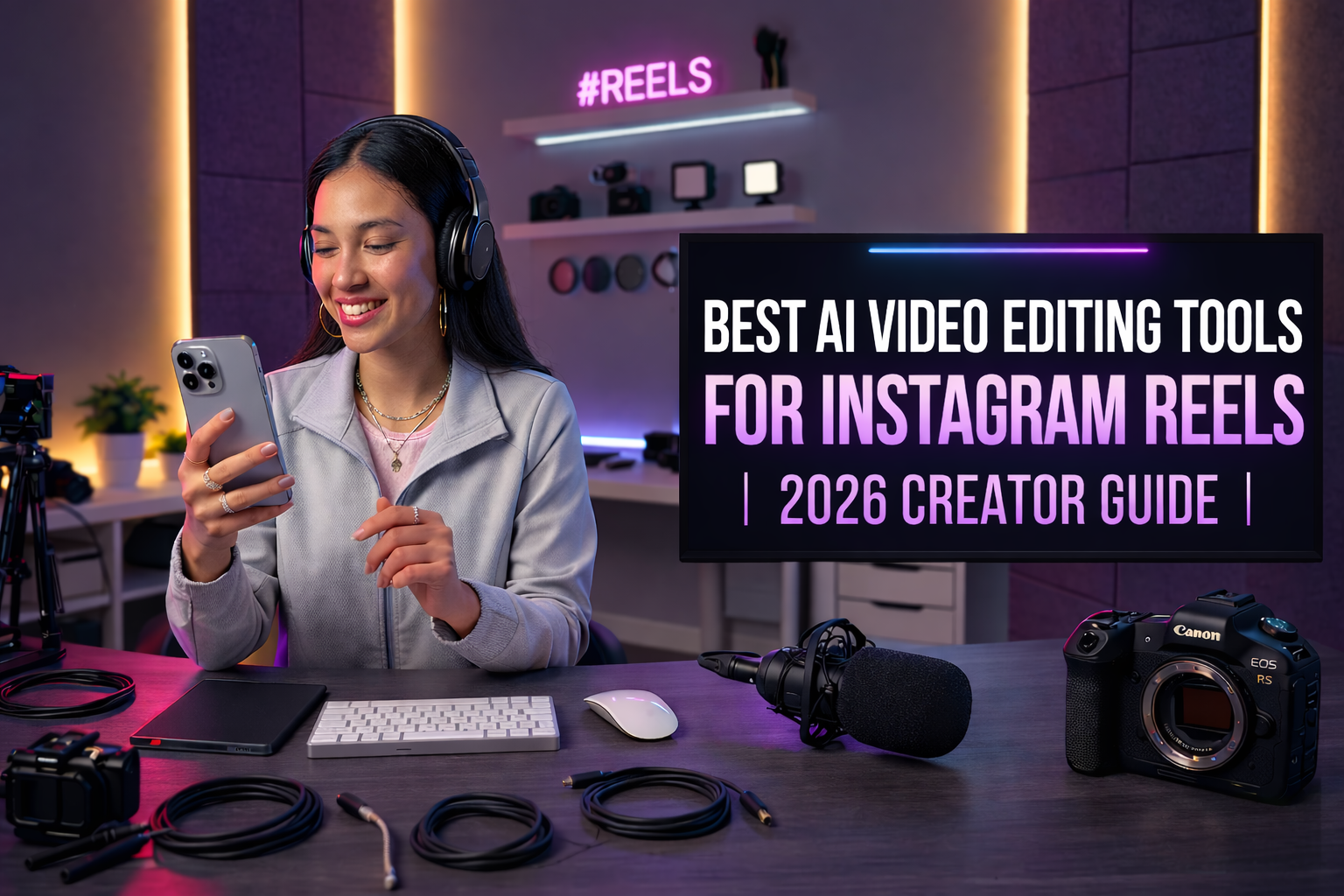
Best AI Video Editing Tools for Instagram Creators in 2026
Creating Instagram videos consistently takes more time than most creators expect. Filming a video may only take a few minutes, but editing — trimming clips, adding captions, adjusting framing, and preparing videos for Reels — can easily take much longer.
This is why many creators now rely on AI video editing tools for Instagram. AI-powered editors can automate repetitive tasks like cutting clips, generating subtitles, and optimizing videos for vertical formats.
In this guide, we’ll explore some of the best AI video editing tools for Instagram creators in 2026 and how they can help you create better Reels faster.
1. Edits — Best Native Editor for Instagram Reels
Edits is Meta’s official video editing app designed specifically for Instagram creators.
Because it’s built directly by Instagram, it integrates seamlessly with the platform.

Key features
- direct publishing to Instagram
- auto captions
- draft management for Reels
One advantage of Edits is that creators can manage their entire workflow inside the Instagram ecosystem.
You can record, edit, manage drafts, and publish Reels without switching between multiple apps.
2. VDIT — Best AI Video Editor for Instagram Creators
While Instagram’s Edits app works well for basic editing, many creators prefer tools that offer more control before uploading their videos.
VDIT is designed specifically for video creators, making it easy to edit Instagram videos directly on mobile.

Key features
- AI-powered tools for faster social video editing
- auto captions for subtitles and talking videos
- live drawing tools to highlight important moments
Also, VDIT allows creators to preview the safe zone while editing, helping ensure captions and important visuals stay visible in the final video.
If you’re not familiar with how Instagram overlays its interface, this guide explains it in detail:
Understanding safe zones can dramatically improve how your Instagram videos appear in the feed.
3. CapCut — Best AI Editor for Trending Social Media Videos
CapCut has become one of the most widely used editing apps among social media creators.
It includes various AI-powered features that help speed up editing.

Key features
- AI filters and visual effects
- trending templates for viral social media videos
- quick editing tools for short-form content
CapCut is especially popular for creating trend-driven content. Many creators use its templates to quickly produce videos that match current social media trends.
4. InShot — Best Simple Video Editor for Quick Instagram Posts
InShot is a widely used mobile video editor known for its simple interface.
It allows creators to quickly edit videos without complicated tools.

Key features
- quick trimming and clip editing
- simple subtitle and text tools
- music and sound effect library
Because of its simplicity, InShot is commonly used for quick Instagram video edits and daily content posting.
How to Choose the Right AI Video Editing Tool
| Goal | Recommended Tool |
|---|---|
| Use Instagram’s native editing ecosystem | Edits |
| Edit Reels easily with a mobile-first workflow | VDIT |
| Create trending social media videos | CapCut |
| Edit videos quickly and simply | InShot |
Choosing the right tool depends on your editing workflow and content style.
AI video editing tools are transforming how creators produce Instagram content. Instead of spending hours editing manually, creators can now rely on smarter tools to streamline their workflow.
Whether you’re creating Reels, tutorials, or daily social media posts, the right editor can make content creation much faster and easier.
✨ Create clean Instagram videos and keep your captions perfectly visible with VDIT.




Leave a Reply