
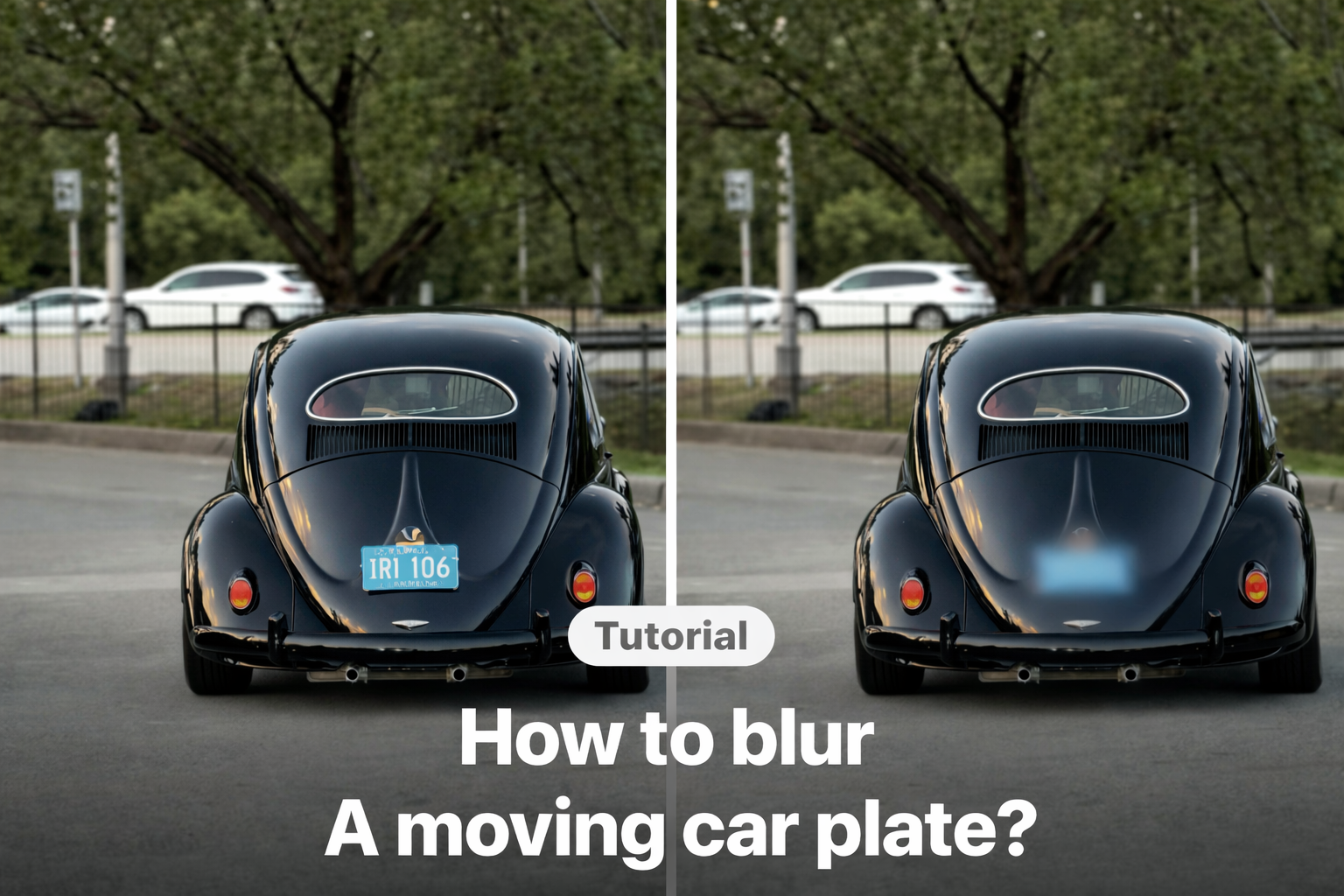
You filmed a great video. But later, you notice something you don’t want to show — a stranger’s face in the background, a license plate, or even a messy corner of your room.
So you add a mosaic effect to hide it.
But instead of blending in, it looks too obvious. The edges feel harsh. The blur feels pasted on. And rather than hiding the detail, it draws even more attention.
If you’ve ever searched how to blur part of a video on iPhone without making it look edited, this is probably why. That’s where a soft, feathered mosaic makes a real difference.
What Does “Feather” Mean in Video Blur?
Feather controls how smoothly the blur transitions into the clear area of your video.
Instead of creating a hard line between blurred and sharp sections, it softens the boundary so the effect fades naturally into the surrounding scene.
It may sound like a small adjustment, but visually, it changes everything. The blur looks intentional and polished. The edit feels natural — not obviously censored.
If you’d like to see how to apply a basic mosaic effect first, you can watch this quick tutorial:
The Solution: Feathered Mosaic in VDIT
If you want that softer, more natural look, VDIT includes a Mosaic Feather (Blur) feature that lets you adjust the edge softness directly on your iPhone.
With a simple slider, you can control how gently the mosaic blends into the background — so viewers stay focused on your content, not on the edit.
How To Use
1. Tap Mosaic in the bottom editing toolbar

2. Select the Blur/Mosaic style

3. Tap Feather and adjust the strength

As you move the slider, the boundary becomes softer.
If you want to test how natural your blur can look, you can explore it in VDIT for iPhone.
Small Detail, Big Difference
Feathering might seem like a small adjustment, but visually it changes the overall impression of your edit. Instead of making it obvious that something is being hidden, the blur feels intentional and carefully applied.
That subtle difference matters — especially on fast-scrolling platforms like Reels and Shorts, where viewers notice unnatural edits immediately.
If you care about privacy, polish, and clean visuals, soft mosaic blending is worth using in every edit. Try it once, and you’ll immediately see how much more natural your iPhone video blur can look.
You don’t need complicated desktop software to make your blur look professional.
With VDIT, you can adjust mosaic softness directly on your iPhone in just a few seconds.



Leave a Reply