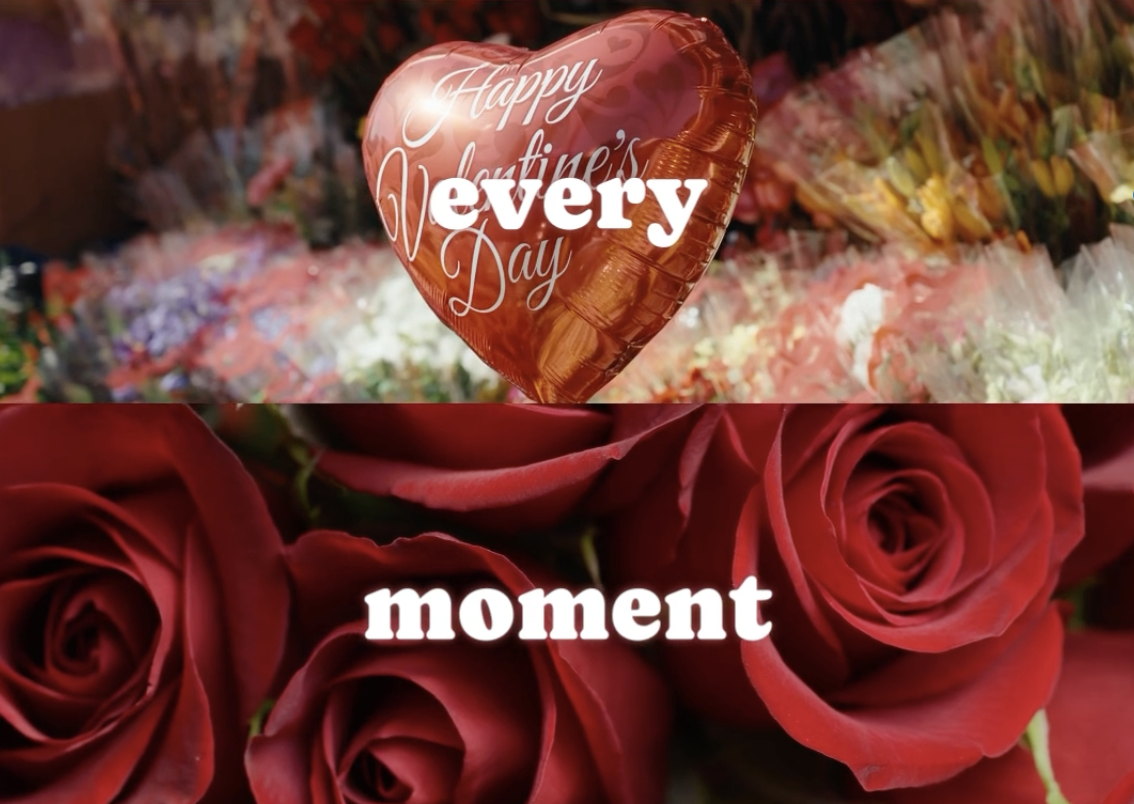
Valentine’s Day is coming.
You scroll through your camera roll. Cute photos. A short café clip. Maybe a gift unboxing.
But when you try to post it… it feels too simple.
If you’ve ever searched for Valentine video ideas for Instagram or how to make a Valentine Reel on iPhone, you’re not alone.
A ready-made 5-split Valentine template can instantly turn basic clips into something that feels designed.
What Is the Valentine 5-Split Template in VDIT?
VDIT includes a Valentine 5-Split Template inside the Template section of the app.
Instead of editing from scratch, just tap the following link.
💝 https://template.vditapp.com/5-split-valentines-day-template-en 💝
That’s it. The layout, timing, and transitions are already arranged. You simply drop in your own videos or photos.
It’s perfect for:
- Couple date highlights
- Valentine gift surprises
- Instagram Reels
- Short romantic recap videos
What Kind of Clips Work Best?
You don’t need professional footage.
Try combining:
- A smiling reaction
- Close-up of flowers or gifts
- A candid laugh

Make This Valentine Feel Designed
Valentine’s Day content doesn’t have to be complicated.
It just needs structure.
Five small moments. One intentional layout.
A story that feels complete.
Instead of posting something that feels “too basic,”
upgrade your Valentine in minutes. ❤️
Create your own 5-panel Valentine video with VDIT for iPhone and turn simple clips into something that feels beautifully designed.
Download VDIT here and start editing in minutes:



Leave a Reply