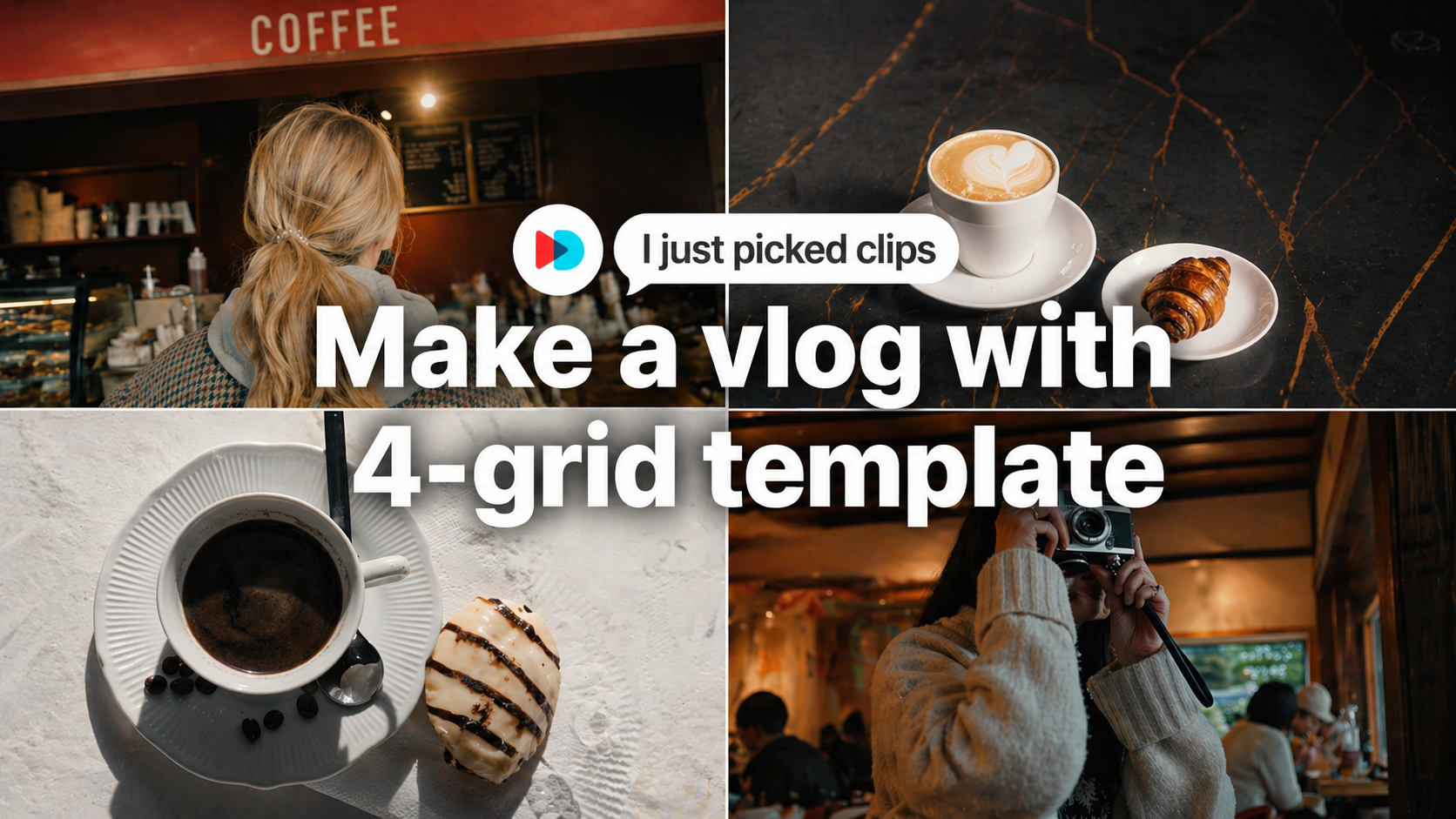

A 4-grid vlog looks stylish, but it can feel complicated to edit from scratch. You need to place multiple clips, match the timing, adjust the layout, and make everything feel balanced.
With a 4-grid vlog template, the process becomes much easier. Instead of building the layout manually, you can simply choose your clips and let the template create the split-screen look for you.
✨ Want to try the look right away? Choose four clips in VDIT and let the 4-grid template build the layout for you.
Make a Split-Screen Vlog Without Manual Editing
The charm of a 4-grid vlog is that it shows several moments at once. It works well for travel clips, daily routines, pet videos, outfit checks, food moments, and quick lifestyle edits.
The best part is that each clip does not need to be long. A few short clips are enough to create a dynamic video that feels polished and ready for social media.
In VDIT, you can use [Template] to make this style quickly. Pick your clips, apply the 4-grid template, and your vlog layout is created automatically.
Why 4-Grid Videos Work So Well
A 4-grid layout makes ordinary clips feel more intentional. Instead of showing one moment at a time, it brings several small scenes together and creates a stronger visual rhythm.
This style is especially useful when you want to:
- show different angles of the same moment
- combine short daily clips
- make a quick vlog for Reels or Shorts
- turn simple footage into a more aesthetic edit
Even if the original clips are simple, the grid layout helps the final video feel more complete.
How to Create It in VDIT
You do not need to manually arrange four videos on the screen.
Open VDIT, go to [Template], and choose a 4-grid vlog template. Then select your clips and apply the template. VDIT will handle the layout, timing, and split-screen structure for you.
This makes it easier to create a polished vlog even if you are new to video editing.
✨ Try it with your own clips: Choose four favorite moments, apply the template, and create a ready-to-share 4-grid vlog in just a few taps.
Conclusion
A 4-grid vlog is one of the easiest ways to make short clips look more stylish. With VDIT’s [Template], you can skip the complicated editing steps and create a split-screen video in just a few taps.
Pick 4 clips, apply the template, and turn your everyday moments into a clean 4-grid vlog.
📱 Ready to make yours? Download VDIT for iPhone and start creating with the 4-grid vlog template.

Leave a Reply