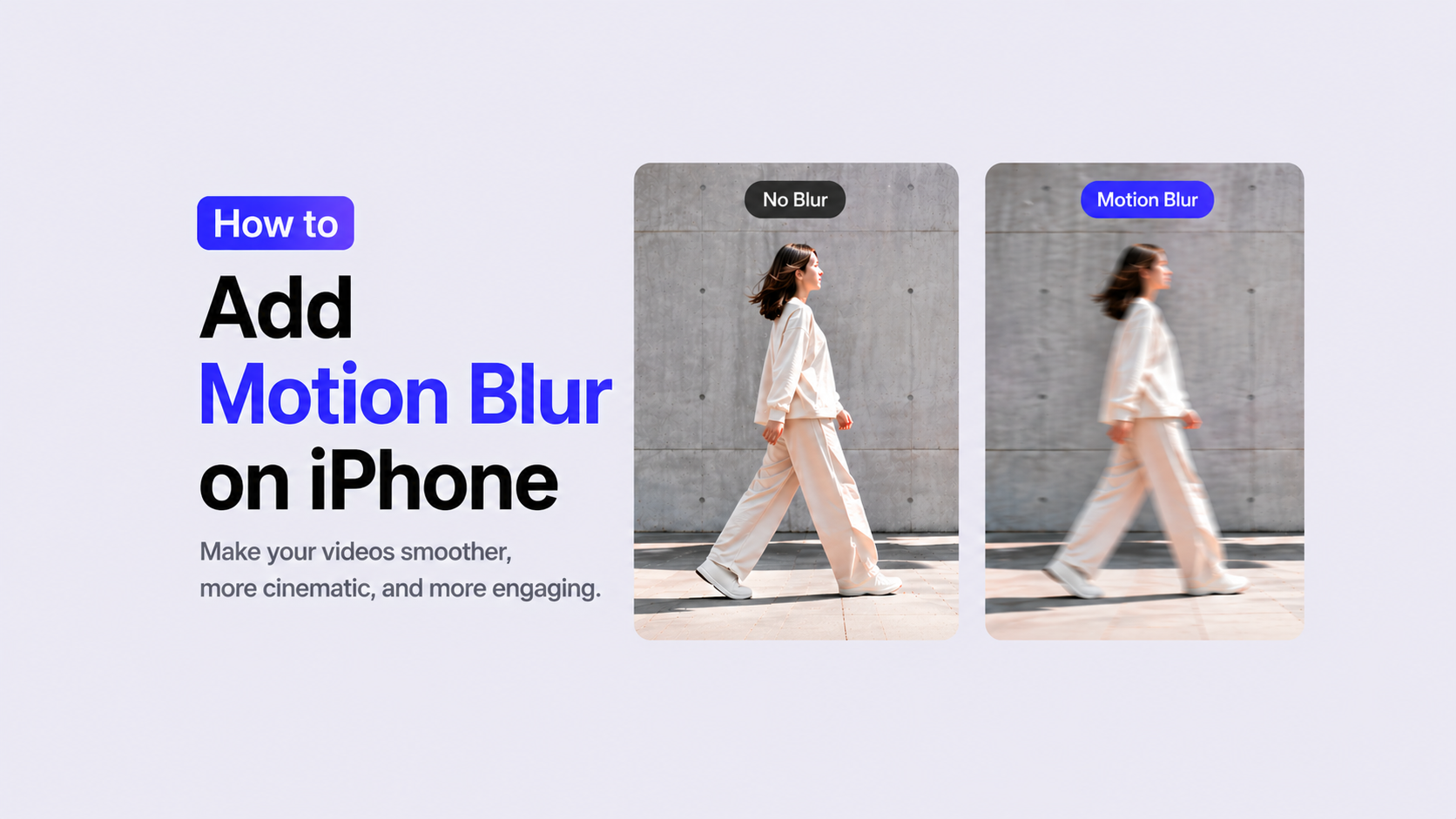
What Is Motion Blur and How to Use It on iPhone Videos
Fast movement can make a video exciting, but it can also look stiff or choppy when every frame is too sharp. That is why many creators use a motion blur effect to make action, transitions, and camera movement feel smoother.
If you edit TikTok, Reels, Shorts, or travel videos on your iPhone, motion blur can help your footage look more natural and cinematic without using desktop software. It adds a soft trail to movement, making fast scenes feel more polished.
In this guide, you’ll learn what motion blur does and how to add a motion blur effect on iPhone video with VDIT.
Motion Blur vs. Blur Effect: What’s the Difference?
Motion blur is mainly used to make movement look smoother. It follows the direction of motion and helps connect frames more naturally.
A regular blur effect is often used to hide or soften part of a video. For example, you can use blur to:
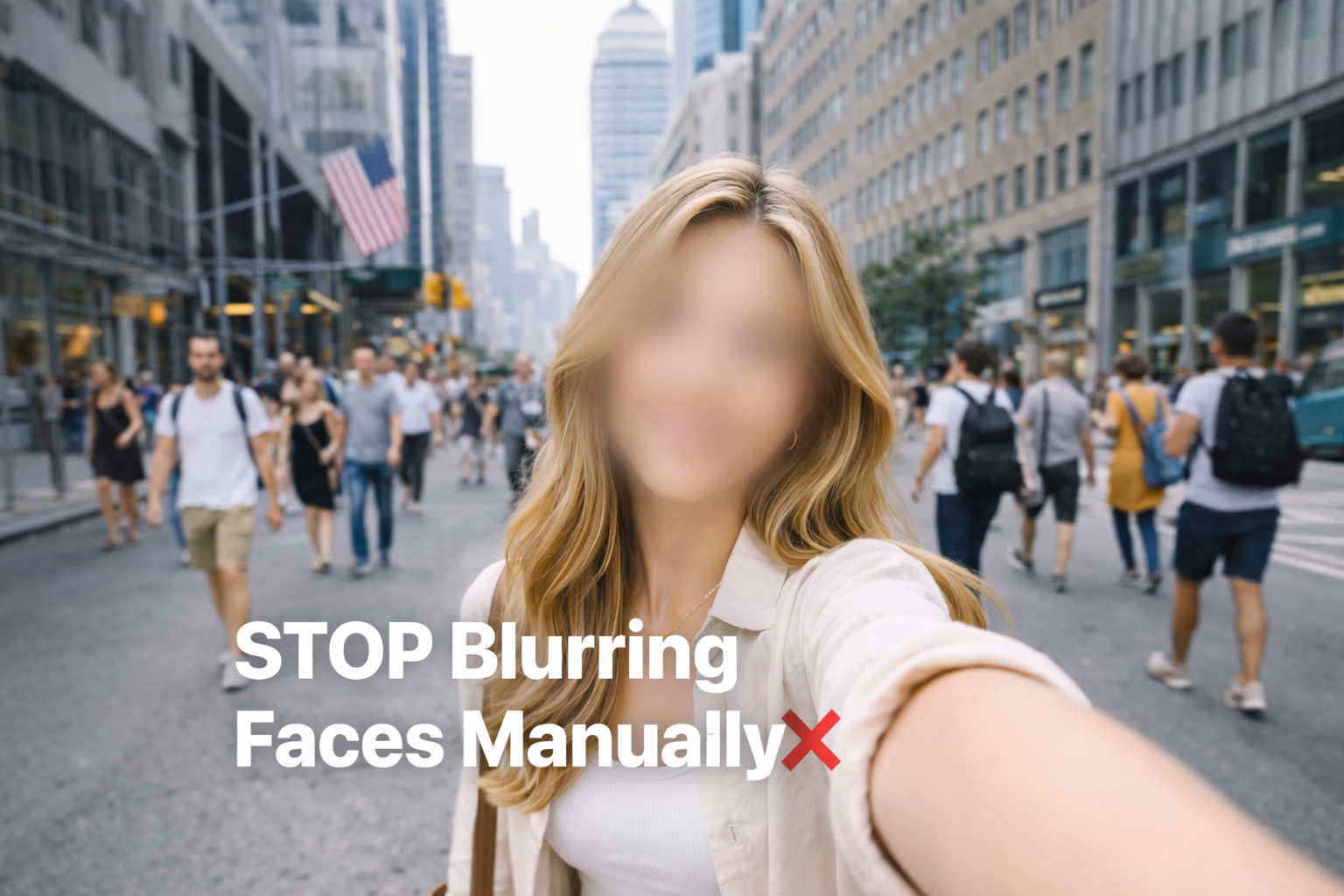
- blur moving faces
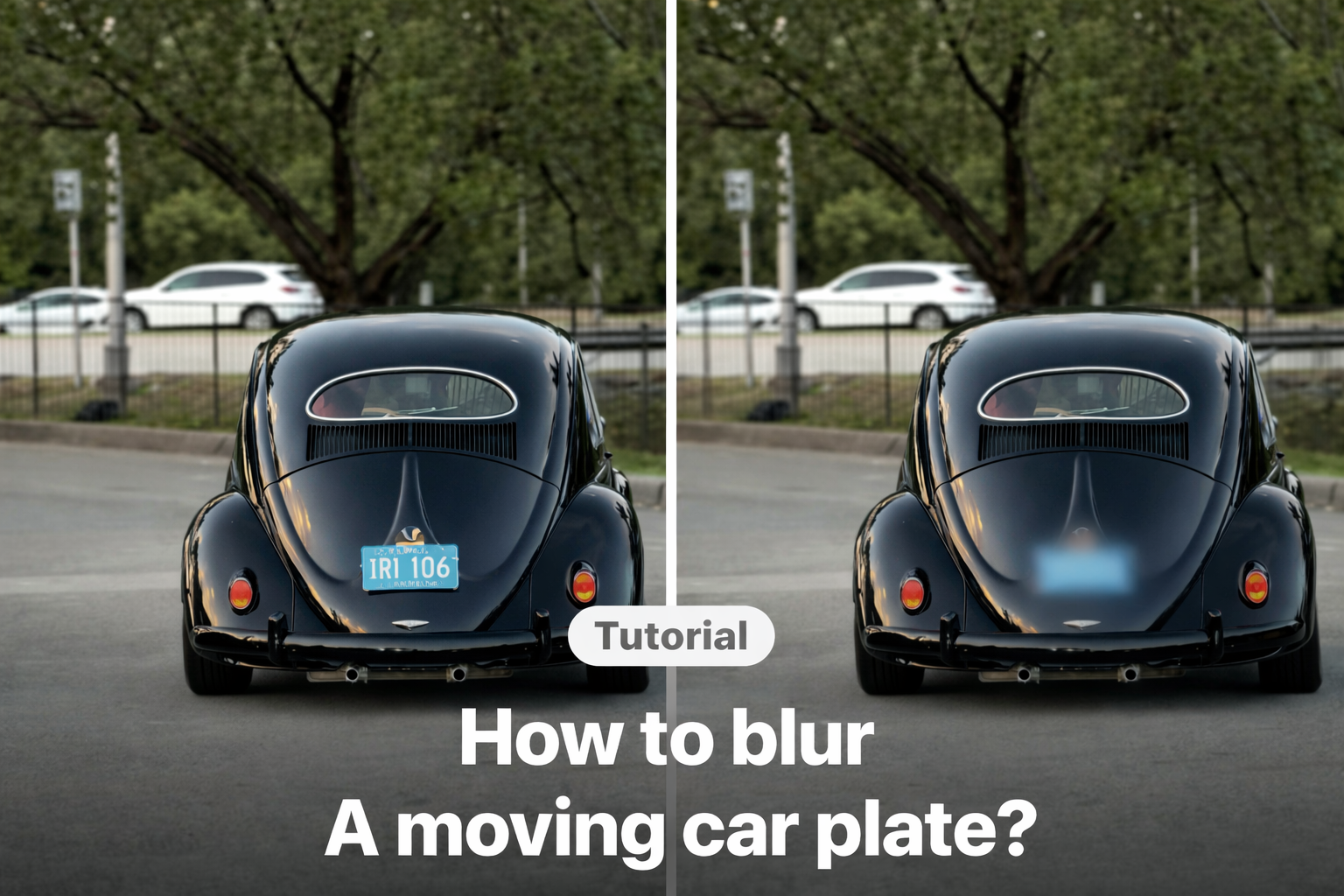
- hide personal information
- soften a busy background
- cover unwanted objects
- make the main subject stand out
Both effects can improve your video, but they solve slightly different problems. Motion blur makes movement feel natural, while blur helps control what viewers focus on.
How to Add Motion Blur Effect on iPhone Video with VDIT
VDIT is a beginner-friendly iPhone video editor that helps you create smooth, cinematic edits quickly.
To apply motion blur:
- Tap [Blur].

- Choose the motion blur effect you want.

- Adjust the blur area. Then it’s done! 🪄

This works especially well for fast scenes, transitions, and animated elements.
Why Use VDIT for Motion Blur Editing
Many creators want cinematic results without learning complex desktop tools. VDIT makes blur editing simple directly on iPhone.
You can trim clips, add effects, blur parts of your video, preview the result, and export everything in one place. This makes it especially useful for short-form content like TikTok, Instagram Reels, YouTube Shorts, and travel videos.
To see the steps in action, watch the tutorial video below and learn how to blur moving faces with VDIT.
Motion blur is a simple way to make iPhone videos smoother and more cinematic. Regular blur effects can also help you soften moving faces, backgrounds, or distracting parts of a clip.
Whether you are editing action clips, transitions, or short-form content, VDIT helps you create cleaner, smoother videos in just a few taps.
🚀 Download VDIT for free now and start creating dynamic edits!




Leave a Reply