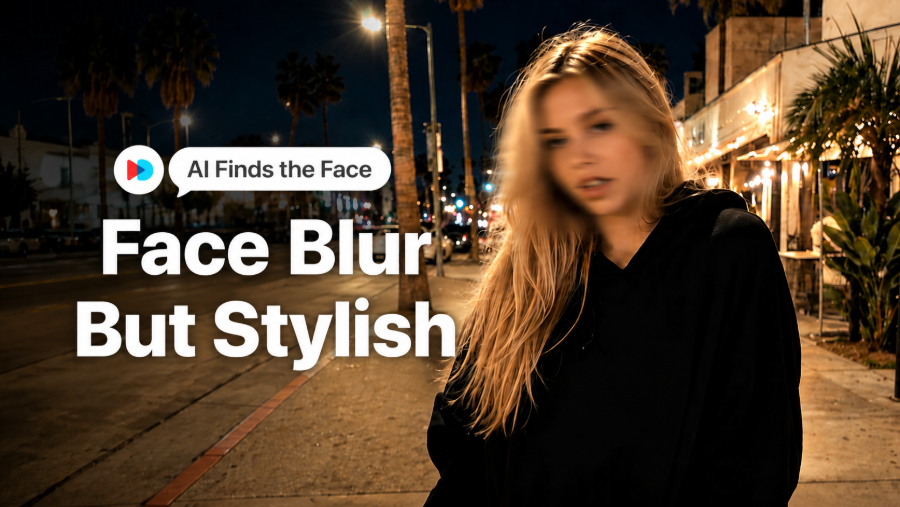
Face blur look in your travel video?
Face blur is not only useful for hiding people in the background. It can also create a soft, stylish look that makes your subject stand out. Whether you want to add a trendy blur effect or cover background faces before posting, VDIT helps you do both without manual masking.
No Manual Masking Needed
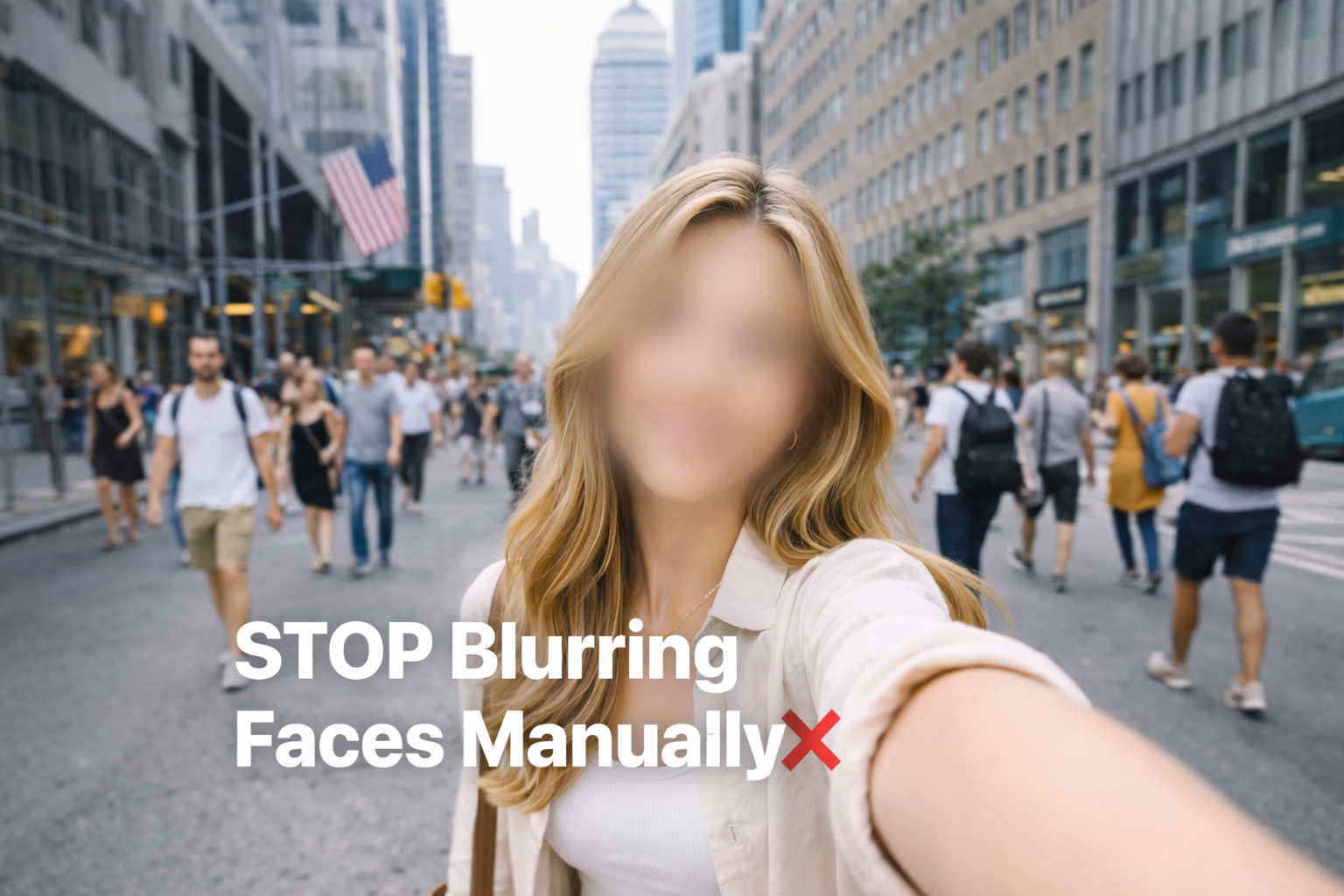
When you film in busy travel spots, faces can appear everywhere — behind you, beside you, or passing through the frame.
Instead of manually masking each face, VDIT’s AI Face Blur helps find faces in your video automatically. Once the faces are detected, you can choose who stays clear and who gets blurred.
Use It for Style
Face blur can be used as a creative effect, too.
You can blur extra faces or background details to keep attention on the main subject. This helps your travel video feel cleaner, softer, and more focused without changing the whole scene.
Or Cover People in the Background
If your video includes strangers in the background, AI face blur makes it easier to prepare the clip before posting.
Your subject stays clear, while selected background faces are blurred. This is especially helpful for travel vlogs, street videos, café clips, and landmark shots where other people naturally appear in the frame.
One edit, two smart uses.
With VDIT, you can use AI face blur as a stylish video effect or as a quick way to cover background faces before sharing. Keep your subject clear, blur what needs to be hidden, and make your travel videos ready to post.

🚀 Download VDIT on your iPhone and try AI Face Blur for your next video edit!




Leave a Reply